

Your iPhone is so much more than just a device; it's your camera, your office, your entertainment hub, and your personal assistant—all in the palm of your hand. But are you really getting the most out of it? Often, we only scratch the surface, using the same old apps and features without discovering the potential that's just a few taps away.
That's why today I want to share with you the best tips for getting the most out of not only your iPhone, but also your daily experience with it. The goal isn't just to learn how to use more features for the sake of it, but to transform the way you interact with technology so that your day-to-day life is simpler, more productive, and more creative. We'll explore everything from time-saving tricks to features that will boost your creativity.
1. Master Focus Mode
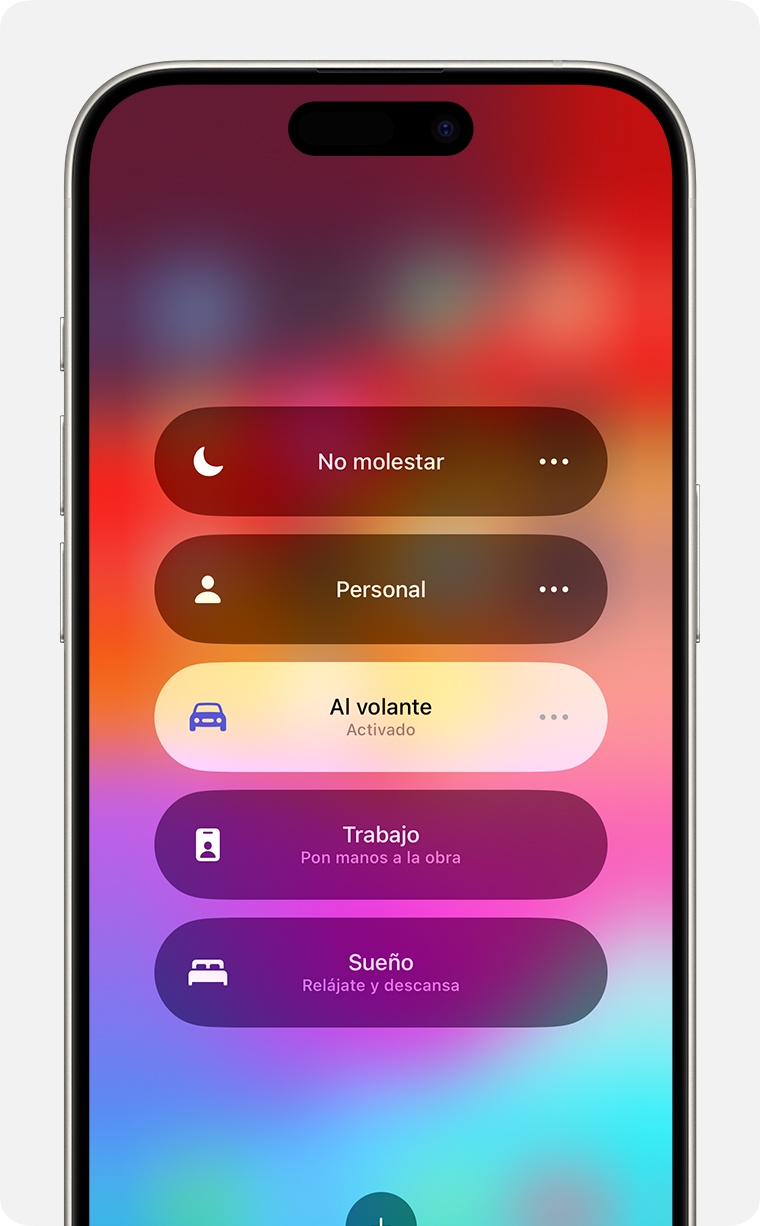
Practical Experience: Often, the sheer volume of notifications can be overwhelming. That's why one of the features I've recently adopted is Focus Mode. In my experience, this has transformed the way I work.
Why is this useful? This mode lets you customize which notifications you want to receive and when. Set up different modes, such as Work, Personal, or Rest, to apply notification rules based on your situation.
Tip: Configure your Modes from the iPhone 16 Pro Max for smooth, optimized navigation.
2. Make the Most of Your Battery

Practical Experience: Have you noticed how batteries sometimes seem to have a mind of their own? On more than one occasion, I've seen my battery drain rapidly during a long day away from home.
Why is it useful? Battery management is essential for staying connected. Activating power-saving mode in appropriate situations can really make a difference.
Tip: Turn off location services when you don't need them and adjust the brightness manually. On my iPhone 17 Pro Max , these adjustments have significantly extended my daily battery life.
3. Security and Privacy
Practical Experience: Protecting my personal data has always been a priority while browsing the web or downloading apps. I don't take today's security features for granted.
Why is it useful? Integrating two-factor authentication and using a password manager can protect valuable information.
Tip: On newer models like the iPhone 17 Air , you can enable facial recognition for enhanced security without sacrificing convenience.
4. High Quality Photography
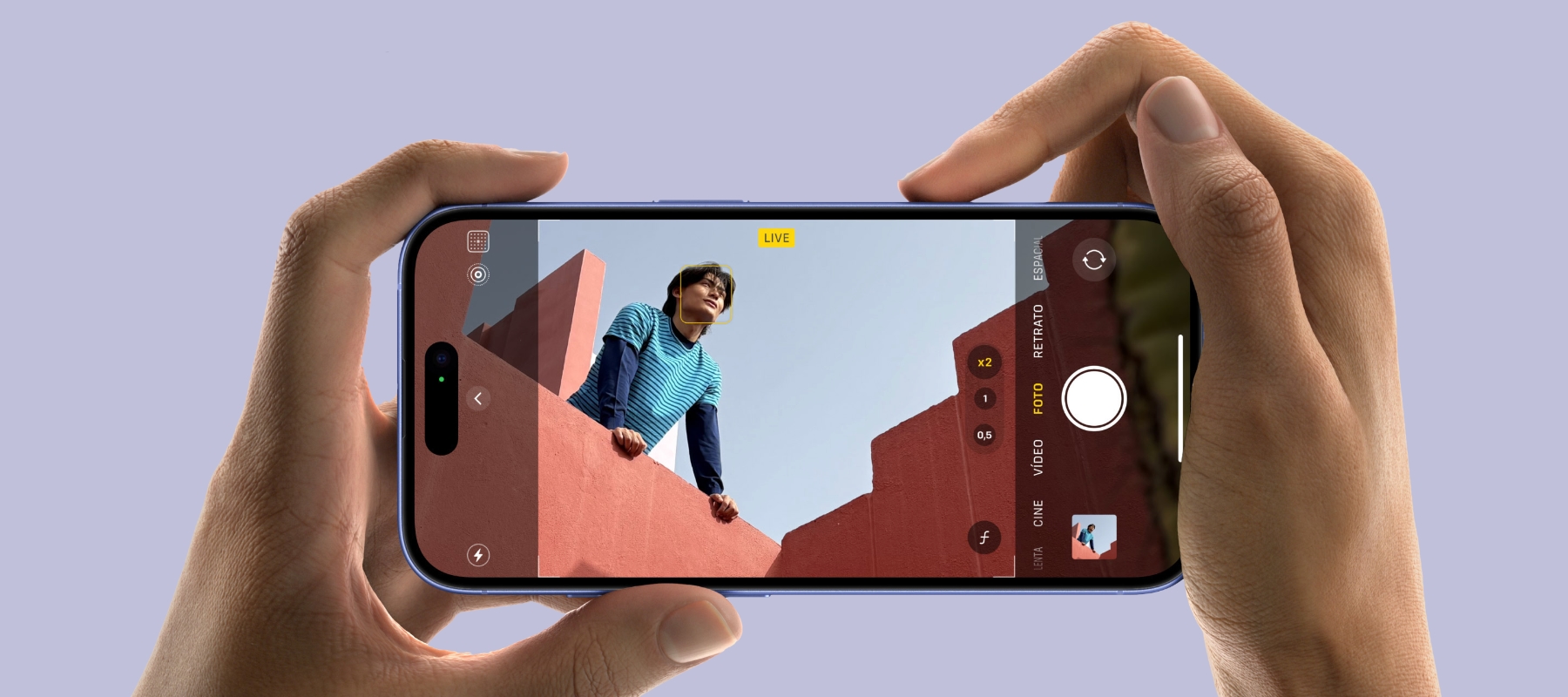
Practical Experience: I've always been the family photographer, capturing memorable moments with each new iPhone model. I love testing new cameras and watching them improve over time.
Why is this useful? Gone are the days of low-resolution cameras. Now, with the new sensors built in, our iPhones compete with professional cameras.
Tip: Use Night mode and HDR to enhance your photos. If you have an iPhone 16 , manual settings will allow you to get the most out of every pixel in your pictures.
5. Resistance and Protections

Practical Experience: After several devices were damaged by accidental drops, I make sure to invest in good protection.
Why is it useful? A good case protects not only your wallet, but also the stress of seeing your screen crack.
Tip: Get a protective case like the Shockproof Case for iPhone 17 Pro Max / Air to have peace of mind against unexpected drops.
The Ace Up Our Sleeve: Regular Updates

Consistency and timeliness in software updates are crucial to ensure your device functions optimally with the latest security and functionality advancements.
Why is it useful? Keeping your operating system updated brings benefits that go beyond new features; it's a guarantee of security and speed.
Tip: Make sure you're always on the latest version of iOS to avoid compatibility issues, especially if you're using older models like the Refurbished (CPO) iPhone 13 Pro Max .