
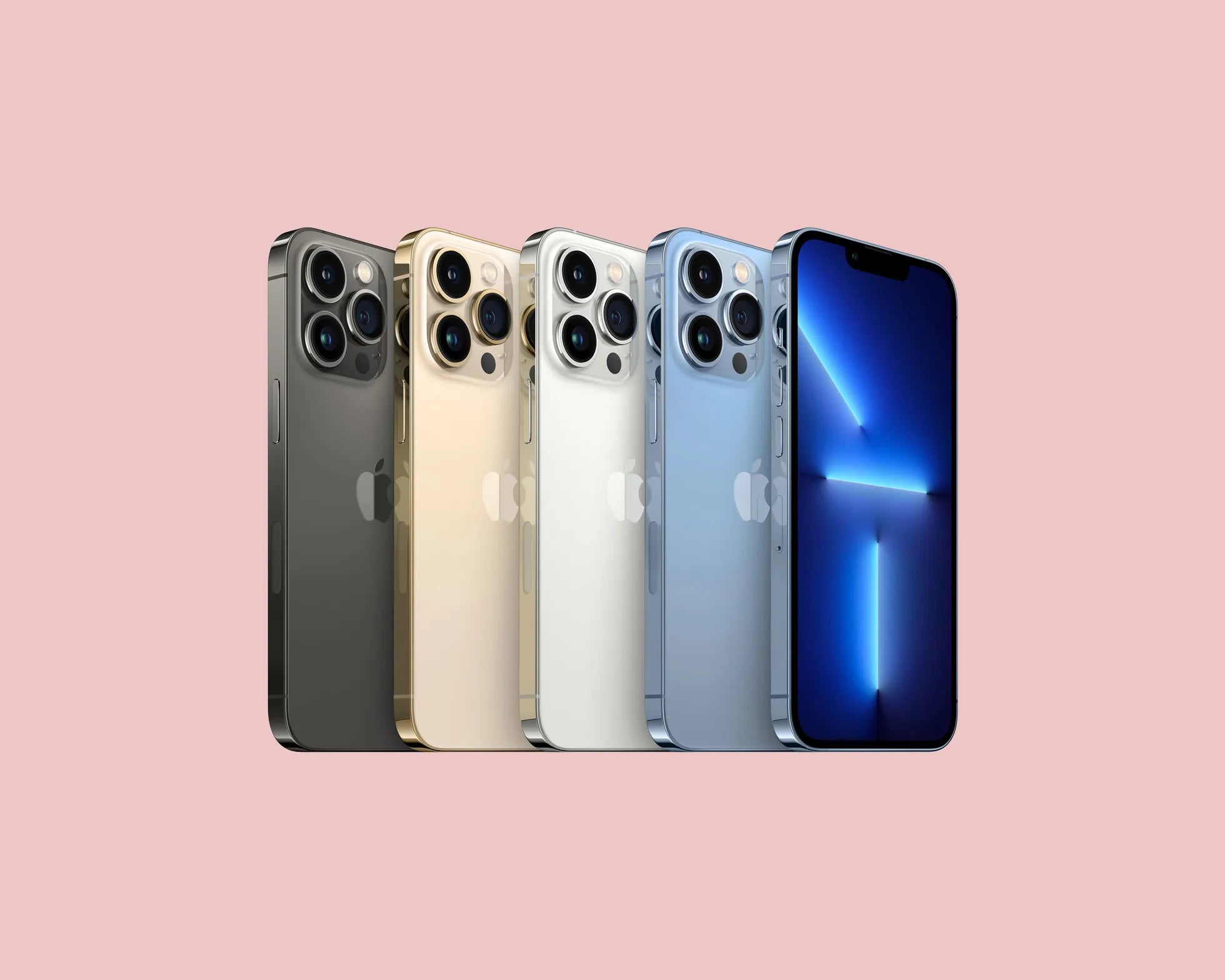

Being a long-time iPhone user has its perks. I've seen these devices evolve since their inception, and while their innovations are undeniable, some things remain constant: the need to take care of our iPhones so they last for years. Whether you have the latest iPhone 17 Pro Max or a beloved older model like a pre-owned iPhone 12 Pro Max , these tips could make a big difference in its longevity.
Keep your iPhone updated
It might seem like basic advice, but keeping your iPhone updated with the latest version of iOS is crucial. Updates not only bring new features but also security improvements and performance optimizations. In my experience, every time I delayed an update, my iPhone started behaving erratically. Remembering the importance of this is key, especially if you have an older model like a pre-owned iPhone 13 Mini .
Why is this important? Updates fix bugs that can cause your device to run slowly and optimize overall system performance.
How to Update Your iPhone:
- Go to Settings .
- Select General .
- Tap Software Update .
- If an update is available, choose Download and Install .
Optimizes battery life

A common problem is reaching the end of the day with a nearly dead battery. I've learned several tricks to maximize my iPhone's battery life that might help you too.
- Low Power Mode : I use this frequently when I know I'll be away from a power outlet for a while. It reduces energy consumption by disabling or limiting certain features.
- Turn off unnecessary notifications : Apps that bombard you with constant notifications can quickly drain your battery.
- Adjust screen brightness : Use automatic brightness, which adjusts the screen according to the ambient light.
Maintain battery performance : Monitor its health in Settings → Battery → Battery Health. A degraded battery can be replaced, which is especially useful for models like the iPhone 13 Pro .
Manage storage effectively
A full storage slows down your phone and can cause performance issues. I used to worry about "Storage Almost Full" on older devices. Here are some tips for managing your storage:
- Remove Unnecessary Apps : Especially those you haven't used in months.
- Optimize Photos : Use iCloud to store high-resolution copies of photos and videos.
- Check Messaging Apps : Long conversations with multiple photos and videos can take up a lot of space.
Protect your iPhone physically and digitally
I've always been an advocate for keeping my iPhone physically protected and secure online. From rugged cases to strong passwords, here are my tips:
Physical protection
- Use a quality case : Opt for cases that protect the device from drops and bumps.
- Apply a screen protector : It will protect the screen from scratches and minor damage.
Digital security
- **Activate Face ID or Touch ID for added security.
- Set an access code : Make sure it is strong enough, avoiding simple combinations.
- **Use * "Find My iPhone" : To be prepared in case of loss.
Tips for Optimal Performance
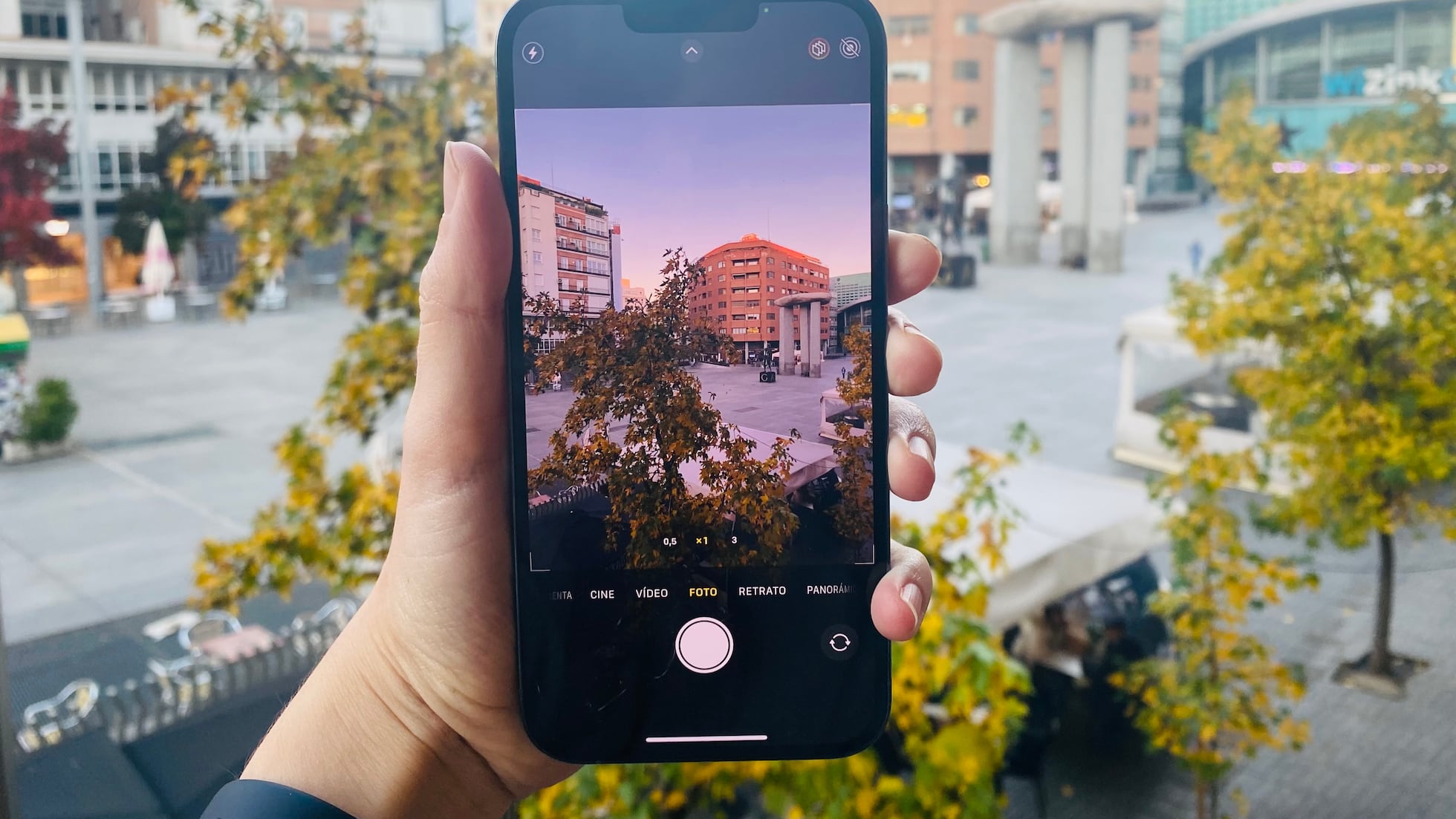
The inevitable degradation of performance over time can be mitigated with some simple practices:
- Restart your iPhone regularly : It has helped me free up memory and resolve performance issues.
- Close background apps : Some apps continue to consume resources even when not actively in use.
- Clear the cache : A procedure that should be performed regularly to prevent slowdowns.
These tips not only make daily use easier but also help maintain the performance of pre-owned devices, which have become valuable allies with little time, such as the pre-owned iPhone 12 Pro .
Taking care of your iPhone is taking care of a significant investment. Whether you're using one of the latest models or getting the most out of an older one, following these tips will certainly extend the life of your device. Do you have any other tips for improving your iPhone experience?
For more options, you can visit the full collection of iPhones at GSMpro.
I look forward to your comments and your own advice so I can continue learning from this great community of iPhone users!