
If you've ever felt overwhelmed unboxing your new iPhone, you're not alone. I remember the excitement and anxiety I felt when I bought my first iPhone, the 3GS, back in 2009. Fast forward to the present, and I'm holding the iPhone 16 , a device so sophisticated that every little detail seems crucial.
Getting Started with Your iPhone

Let's start with the basics. Taking your iPhone out of the box is like discovering a technological treasure. Once you've gotten past that exciting stage, here are the first steps you should take:
- Set up Face ID : Security is paramount. While passcodes are fine, the iPhone 16's Face ID is extremely fast and secure. In my experience, I've never had any issues with it, even with changes in hairstyle or when wearing glasses.
- Data Migration : Already have an older iPhone? Transferring your data is a breeze. With iOS 16, Apple has simplified this process even further. It works like a charm with a simple scan of the QR code that appears on your new iPhone.
- Apple ID and Apps : Make sure you sign in with your Apple ID to retrieve your apps. This also syncs all your data with iCloud.
By the way, if you're excited to explore the latest models, check out the iPhone 16 and its siblings in the iPhone collection .
Maximize Battery

Battery life is always a hot topic. Every time you get a new iPhone, the expectation is that its battery will last longer. Here are some tips to optimize it:
- Activate Power Saving Mode : It's saved me more than once. Activate it especially when you know you won't have access to a charger.
- Turn off automatic updates : Nothing is more frustrating than losing 20% of your battery to an unnecessary update in the middle of the day. I prefer to update manually when I'm sure I'm near a charger.
- Adjust Screen Brightness : Keeping the brightness at the minimum necessary is not only good for your eyes, but also for the battery.
These simple adjustments can really make a difference at the end of the day. If you're considering a lighter alternative, you might want to check out the iPhone Air, which offers excellent efficiency.
Personalize your experience
Taking the time to personalize your iPhone can transform an excellent device into the perfect companion. Here are some tips:
- Widgets and Home Screen : While it might seem a little intimidating at first, customizing your widgets allows you to quickly access the information you use most. Since I started using widgets, my daily efficiency has improved significantly.
- Siri Shortcuts : I use Siri to send messages to my frequent contacts, set reminders, or even control devices in my home. It's like having a personal assistant in your pocket.
Protect your investment

Your iPhone is an investment, and taking care of it should be a priority. Consider the following:
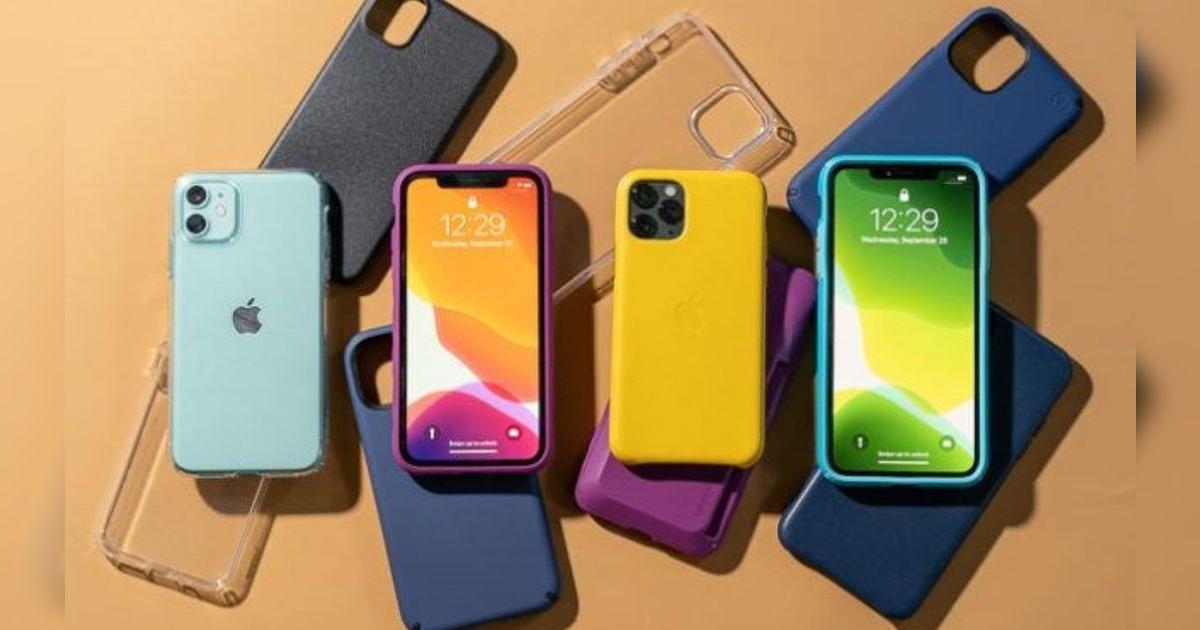
- Cases and Screen Protectors : Don't skimp on these. I've found that a good case can save you from a cracked screen and a hefty repair bill. The iPhone Plus line, like the iPhone 16 Plus , deserves proper protection.
- iPhone insurance : I used to think it was unnecessary until an accident left me with a damaged device. Now, I don't buy an iPhone without insurance to cover potential accidents.
Over the past few months, I've experimented with various configurations and settings on my iPhone 16 Pro Max. These have significantly improved how I interact with this powerful device. If you're interested, read more about my experience with the iPhone 16 Pro Max .
Conclusion
Setting up a new iPhone can be both exciting and a little overwhelming. Follow this checklist and you'll be on your way to a smooth and enjoyable transition. Do you have any special rituals you follow when you get a new iPhone? Let me know in the comments!
If you'd like to explore more options, I invite you to visit our iPhone collection where you'll find a full range of devices to meet your needs.