
I've always considered the iPhone an invaluable tool in my daily life. Each model I've owned has brought improvements that, when used correctly, can significantly increase my productivity. Today I want to share some tips on how an iPhone can be your best ally for working more efficiently.
When I upgraded from my old iPhone 6 to the iPhone 13, I noticed an immediate improvement in my workflow thanks to faster speed and better overall performance. Then, the iPhone 14 Plus caught my attention with its large screen, which makes multitasking and viewing documents much easier. Now I'm considering upgrading to the iPhone 17 , which promises even more everyday tools.
Organize your day with the Calendar App
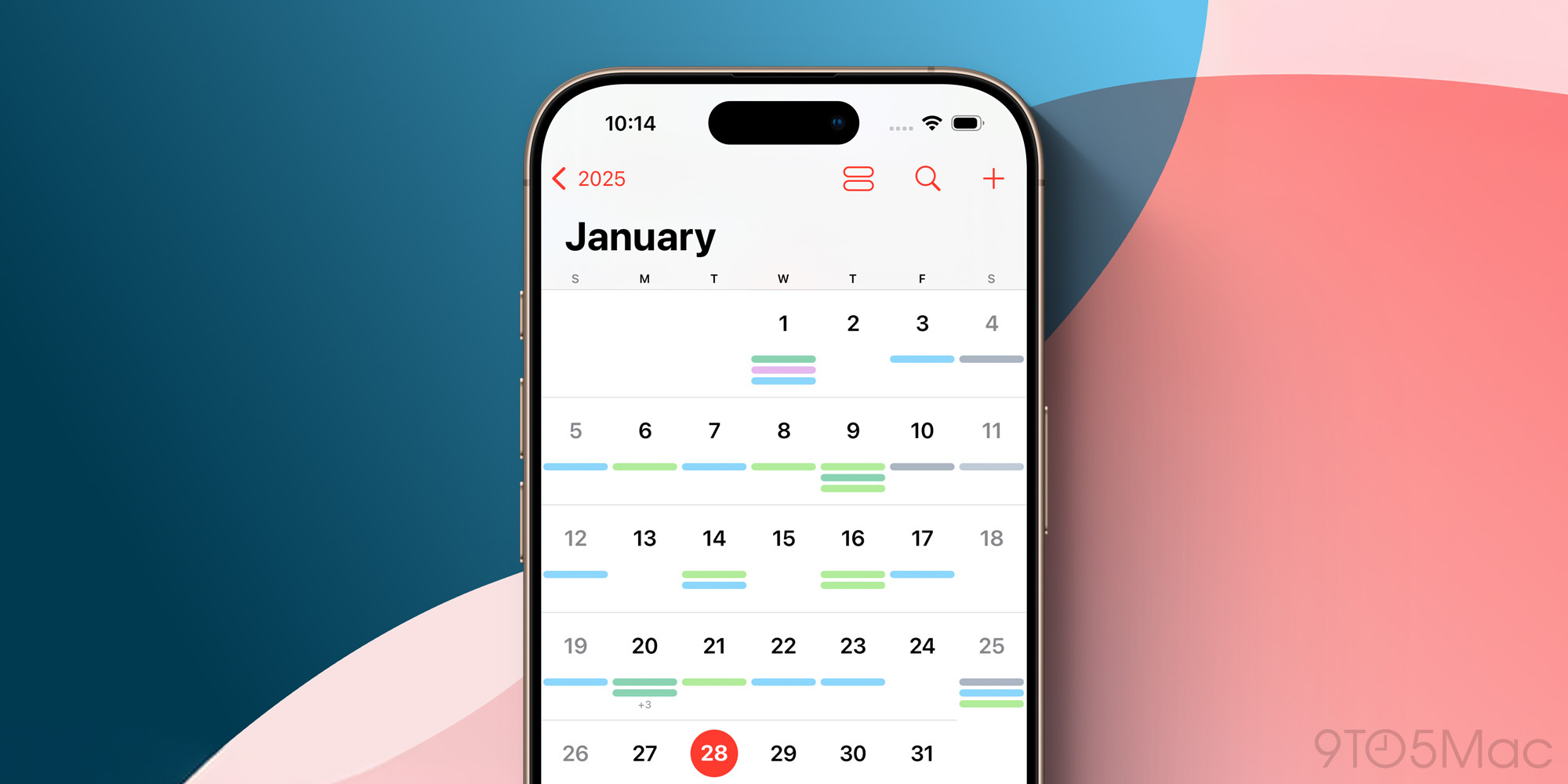
The first thing I do every morning is check my calendar on my iPhone. With each iOS update, Apple has made this app more intuitive and powerful. You can drag and drop events to easily reschedule them, which is a lifesaver during a busy day.
- Instant Sync : By syncing my work and personal calendars, I have a clear view of my entire day without jumping between apps.
- Custom Alerts : I set up alerts for important events well in advance so I can prepare without rushing.
The used iPhone 13 Pro model already offers these features smoothly thanks to its robust performance.
Use Notes as Your Personal Memory
If you're like me, you often get ideas when you least expect them. The Notes app has become an extension of my memory. I have folders for every project and to-do lists that I check constantly.
- Integrated Scanning : With the iPhone 14 Plus, I enjoy scanning documents quickly, which speeds up information capture.
- iCloud sync : No matter what device I use to access my notes, they're always up to date.
The Power of Multitasking: App Switcher
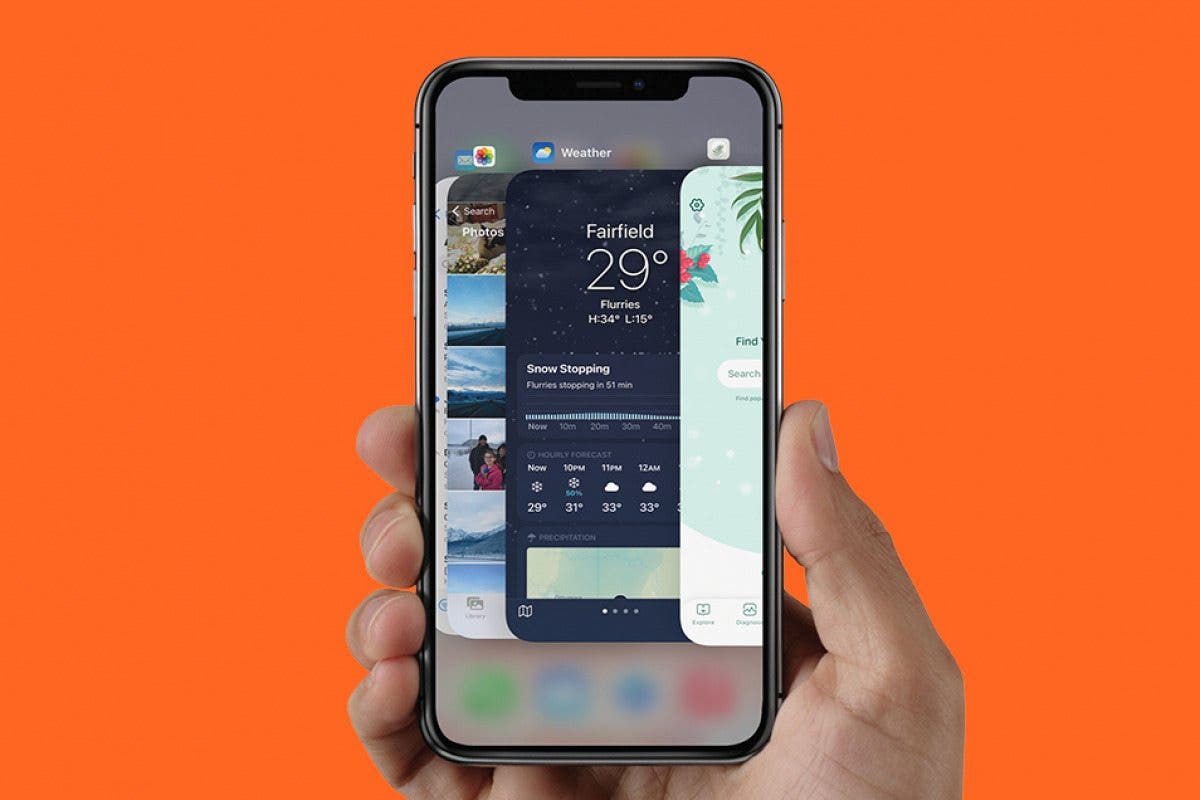
The iPhone celebrates multitasking. On my iPhone 13, I could already navigate between apps seamlessly. With newer models like the Refurbished iPhone 13 Pro , this has been refined even further.
Swiping up to switch between apps or close those I'm not using has allowed me to stay focused on essential tasks. It lets me efficiently pick up where I left off, not to mention saving battery life.
Siri and Shortcuts: Your Personal Assistant
I can't understate how Siri and Shortcuts have transformed the way I use my iPhone. From setting timers to sending messages without touching the screen, Siri is there to make it all easier.
- Automations : I've created automations that are triggered based on time, such as turning off the lights and other tasks that help me start the day.
If you're someone who values efficiency, I suggest you explore the full iPhone collection here .
Keep your iPhone organized for peak performance
One often overlooked aspect is keeping your device tidy. Having too many unnecessary apps can slow you down. I review my apps every few months and delete the ones I don't use; following this rule has helped me extend the lifespan of even my oldest iPhone.
By adopting these tips, I've noticed a significant increase in my productivity. I truly believe the iPhone is much more than a smartphone; it's a tool designed to enhance our days. How do you use your iPhone to improve your productivity? I'd love to read about your experiences and suggestions in the comments.
If you're interested in exploring more options and finding the model that best suits your needs, visit gsmpro.com .