
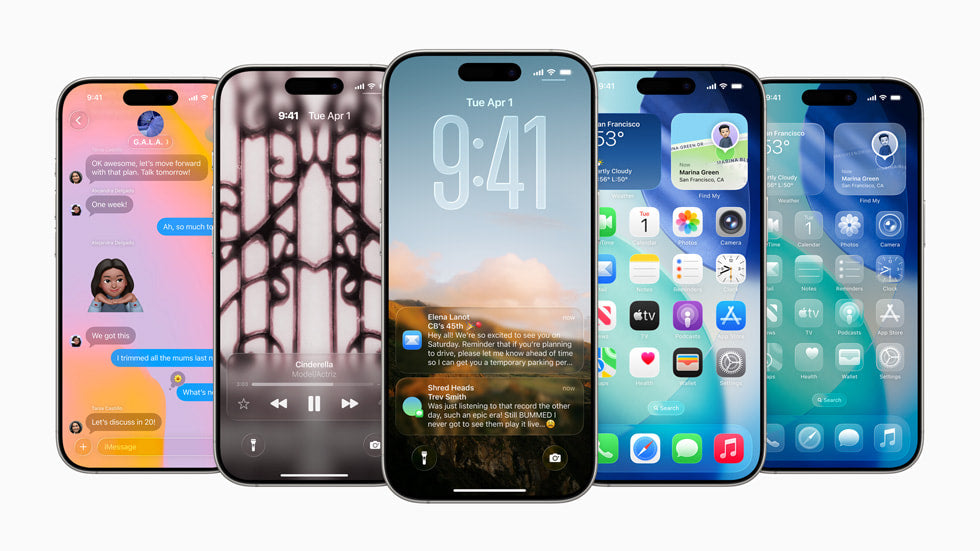
Let's face it: as much as we love our iPhones, sometimes they just let us down. I've been using these phones since the days of the 3GS, and if there's one thing I've learned, it's that even the best technology has its off days. That's why I've compiled the most common problems and, more importantly, practical solutions so you can stop getting frustrated and enjoy your iPhone without any hassles.
Wi-Fi Connection Problems
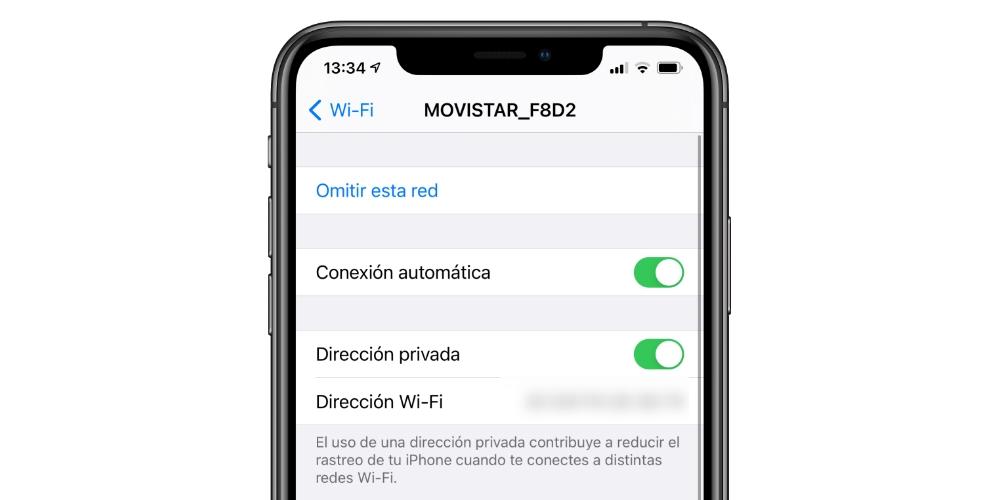
One of the most frustrating problems is often an unstable Wi-Fi connection. In my experience, most of the time this is due to simple issues that can be resolved by following a few specific steps:
- Restart your router : It may sound basic, but turning your router off and on again can fix accidental disconnections.
- Renew the DHCP contract : This option is located in your iPhone's Wi-Fi settings. Renewing it can resolve IP address issues.
- Reset network settings : Go to Settings > General > Reset > Reset Network Settings. This will delete saved networks, so make sure you have your passwords handy.
If you've had an iPhone for a while, you've probably experienced some Wi-Fi issues. I remember having to do all of this when I used my refurbished iPhone 14, and it worked perfectly. If you're interested in a refurbished iPhone 14 , you can check it out here .
Battery Usage Optimization
Heavy use of apps and advanced features can quickly drain your battery. With that in mind, here are my essential tips:
- Monitor Battery Usage : Go to Settings > Battery to see which apps are using the most power. In my experience, disabling background refresh for apps you use less often can make a big difference.
- Use Low Power Mode : When activated, the iPhone disables some functions until you can connect it to a power source.
- Keep the brightness under control : Instead of using automatic brightness, manually adjust the brightness to a more moderate level.
During my time with the iPhone 16 Pro , I followed these strategies religiously and noticed a considerable improvement in battery life.
Performance Issues
Over time, iPhones may experience a decline in performance. Here's how to combat this problem:
- Remove apps you don't use : This helps free up space and prevents unnecessary apps from consuming system resources.
- Close background apps : By opening the app switcher and swiping up, you can close any app you're not currently using.
- Restart your phone regularly : Restarting your iPhone at least once a week can help keep it running smoothly.
At first, when I had the refurbished iPhone 13 Pro Max , I struggled to identify which apps needed to be removed, but once I did, the system's speed improved noticeably. By the way, you can check out that model here .
Avoiding Errors During iOS Updates

iPhone operating system updates are like that irrational fear of taking the first step on a tightrope. Whether it's due to installation errors or an interrupted process, they can complicate your experience more than you'd like.
- Make a backup before updating : Always! It will help you recover from any failures during the update.
- Make sure you have enough storage space : Free up space if necessary to prevent the update from failing.
- Always update when you have time : An update can take longer than expected, so make sure you don't need your phone for a while while it completes.
I learned this lesson the hard way. I remember a failed update on my iPhone 16 that, fortunately, I was able to resolve since I had a backup ready.
Conclusion
In short, iPhones are powerful, but they can also be affected by common problems that, with the right strategies, are entirely avoidable. I hope these tips help you as much as they've helped me in my journey with Apple technology.
What's the most frustrating mistake you've ever encountered with your iPhone? Share your experiences with me, and together we can learn how to navigate the inevitable battle with technology.
For more tips and models, don't forget to visit the iPhone collection at gsmpro.com .