
A decade ago, when I bought my first iPhone, I couldn't help but marvel. In my pocket was a device that not only kept me connected with loved ones but also opened up a world of possibilities at my fingertips. However, over the years, I've faced connectivity challenges. Who hasn't experienced the frustration of a weak Wi-Fi signal or a dead battery when you need it most?
Today I want to share some tips that have helped me over the years to extend and improve the connections on my iPhone. These tips are designed to enrich your daily experience and ensure you get the most out of your devices.
Optimize Your Wi-Fi Connection

One of the first lessons I learned was the importance of having a good Wi-Fi connection. Sometimes, the problem isn't the iPhone, but the network we're connected to. Here are some practical tips:
- Update your router: Make sure your router is up to date, as older versions can cause connectivity issues. If possible, look for one that's compatible with the latest Wi-Fi standards.
- Router placement: Place your router in a central location in your home to maximize the signal. Thick walls and electronic devices can interfere with the connection.
- Turn off automatic features: Sometimes, features like automatic app updates can consume bandwidth. Turn these features off in Settings > iTunes & App Store.
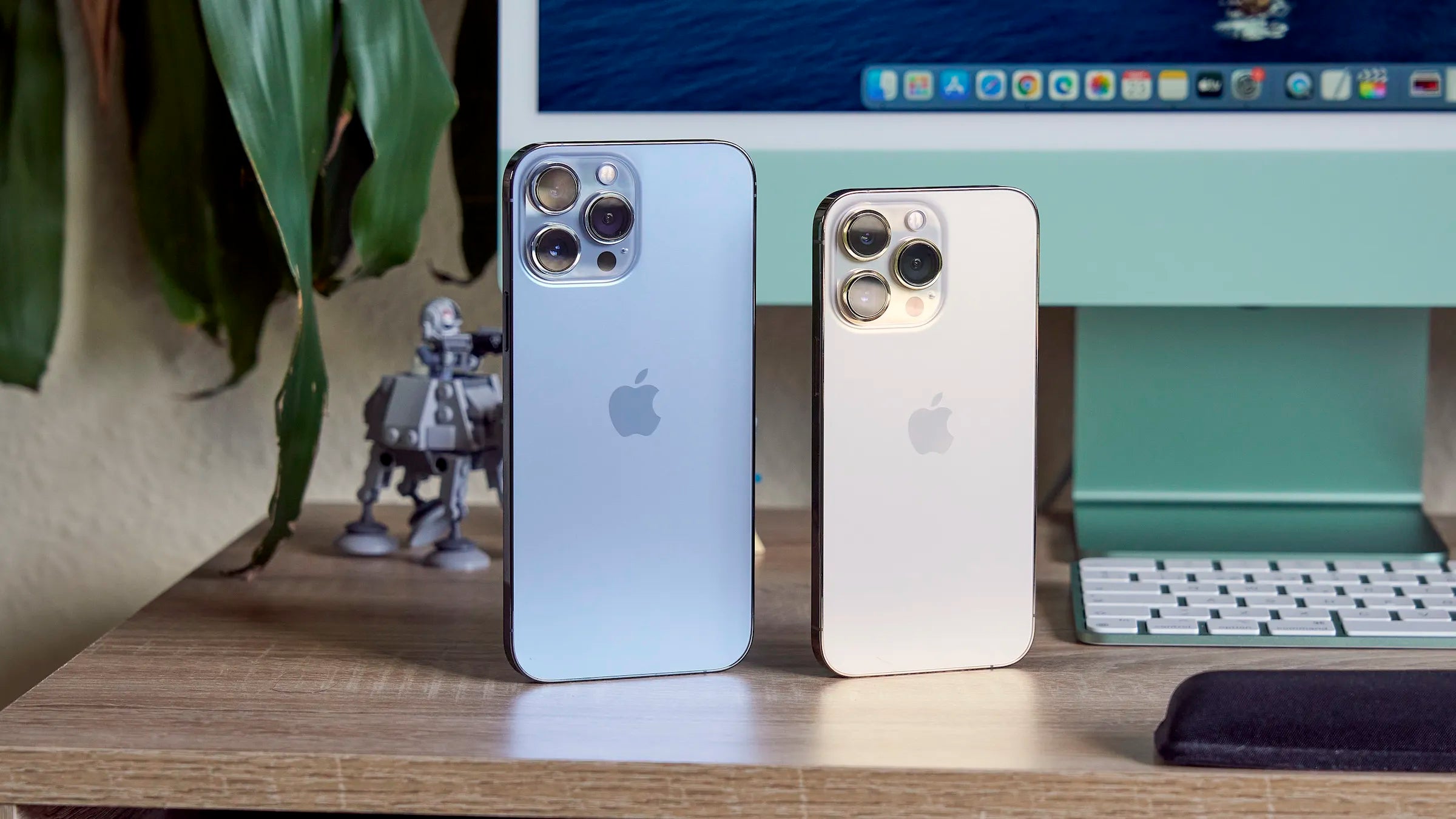
Sometimes, upgrading to a newer model can make a difference in connection quality. Current models like the iPhone 14 Pro Max are better equipped to handle faster networks.
Mobile Data Settings

Mobile data usage is another critical issue. Although I've stuck to limited plans in the past, I've found that managing data properly is essential to avoid surprises on the bill.
- Control your data usage: Use the settings option on your iPhone to monitor how much data you're using. Go to Settings > Cellular for detailed tracking.
- Background app: Apps constantly check for background data. Turn this off in Settings > General > Background App Refresh.
My friends who have upgraded to the iPhone 13 Pro Max have shared that data management is more efficient in recent versions.
Keep Your Battery Healthy
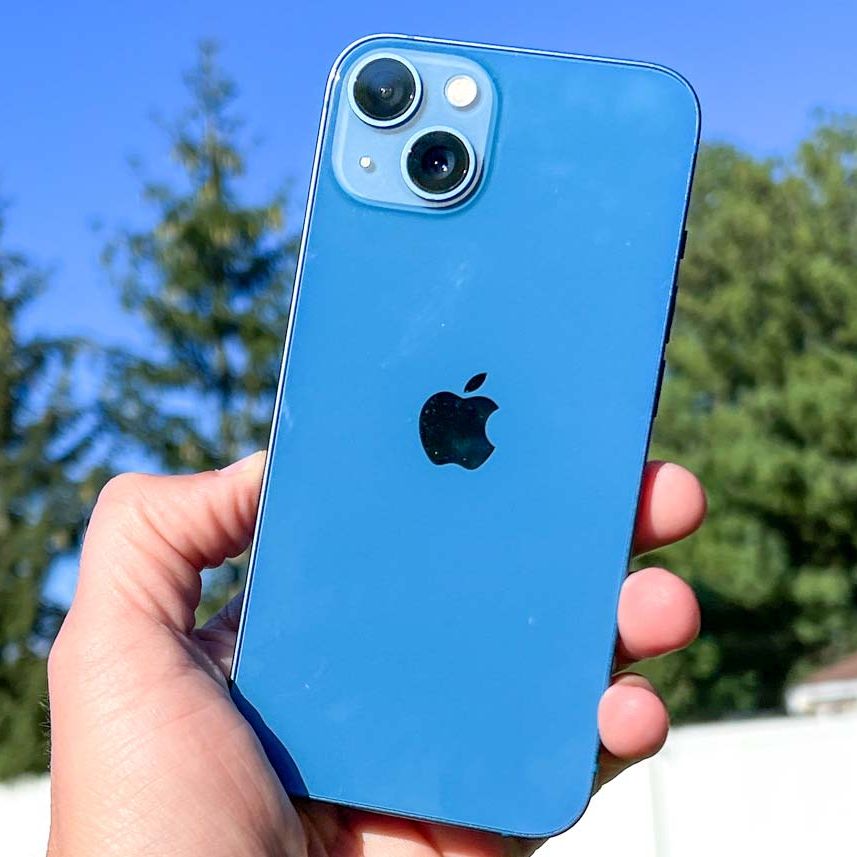
Whispered in my ear when I got my first iPhone, the eternal advice was to take care of the battery. Without a healthy battery, connectivity can become unstable.
- Proper charging: Don't let the battery completely discharge before recharging it. Ideally, charge your iPhone when it reaches 20%.
- Low power mode: Activate it in Settings > Battery. This helps extend battery life in critical situations.
- Ambient temperature: Avoid exposing your device to extreme temperatures. Heat and cold can damage the battery.
The iPhone 14 Plus , for example, offers notable improvements in battery performance, which is ideal for those looking to optimize their connectivity.
Solutions for Bluetooth Problems
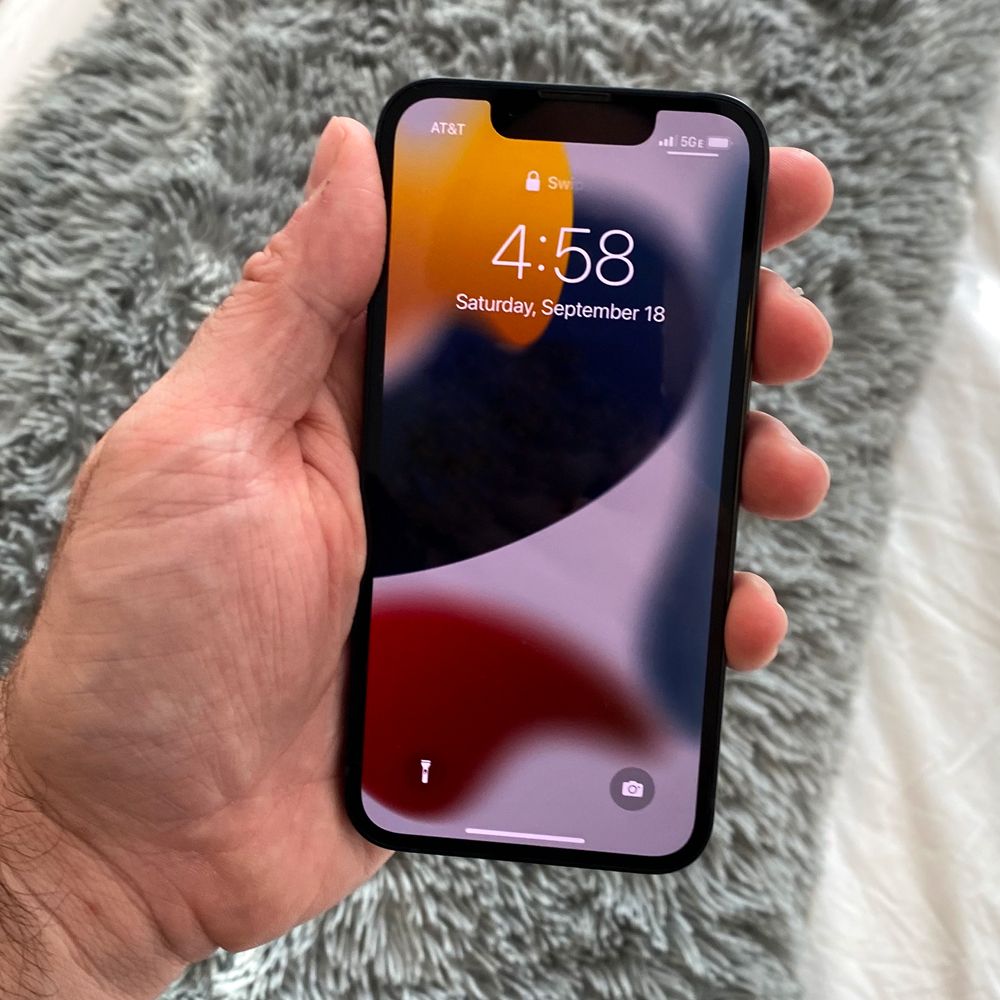
On several occasions, I have experienced difficulties with Bluetooth connections, whether trying to listen to music with my AirPods or connecting my iPhone to the car's sound system.
- Reset network settings: If nothing else works, go to Settings > General > Reset > Reset network settings. This has worked for me in critical situations.
- Unpair and reconnect: Sometimes, simply unpairing and re-pairing the device helps. In Settings > Bluetooth, select the problematic device and choose "Forget this device".
The seamless integration of Bluetooth is one of the notable improvements in newer devices like the Refurbished iPhone 13 .
Final Reflections
iPhones are powerful tools that can become a true extension of our daily lives. With these tips, I hope you can enjoy a smoother connectivity experience. Whether you have an older model or one of the latest, the key is understanding how to maximize its capabilities.
And you? What practical tips have helped you improve connectivity on your iPhone? I'd love to hear about your experience. Leave a comment!
To explore more related products, you can visit the full iPhone collection here .
Visit our website for more product information here .