

I've been loyal to the iPhone since the 3GS model, and my fascination with its evolution has only grown. But what's most surprising is that, even after all these years, I'm still discovering little tricks that optimize my daily life. In this article, I've compiled the most practical and lesser-known tips that will help you be more productive and make your iPhone work smarter for you.
Unlocking the Power of the iPhone
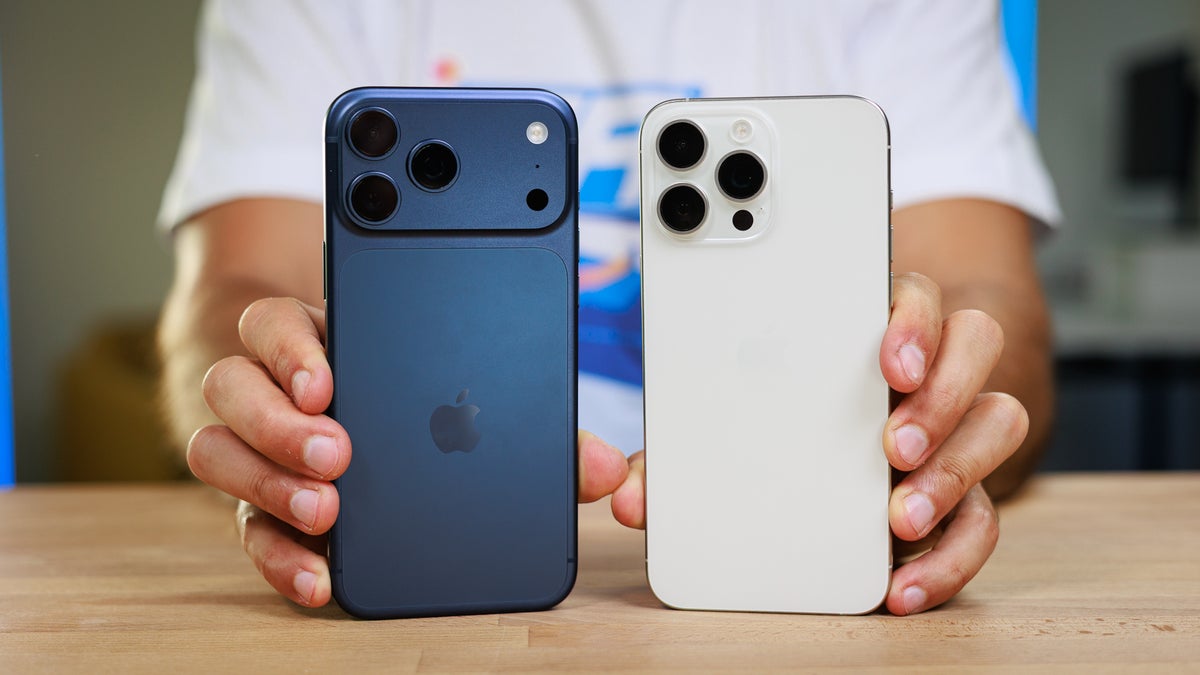
I remember my first days with a used iPhone 11, learning little tricks I didn't know. Now, with models like the iPhone 17 Pro Max , the possibilities are even greater. It's not just about technological advancements, but about how we can use them in our daily lives.
1. Battery Optimization
I often hear complaints from friends about battery life. In my experience with a pre-owned iPhone 14, I found that using Low Power Mode is a lifesaver. But it's not the only trick. Manually adjusting the brightness and disabling apps that refresh in the background can significantly improve battery performance.
2. Organization of the Workspace

With iOS 16, currently available on many iPhones, the App Library feature allows for a cleaner and more accessible organization of your apps. While it might seem awkward at first, once you get used to it, it's an incredibly powerful tool for keeping all your content organized. In my case, it has been a huge help on my iPhone 16 Pro Max , allowing me to focus on what's essential.
3. Siri: Your Personal Assistant

Siri has evolved tremendously from that robotic voice that seemed to understand no commands. Today, Siri's ability to automate tasks is impressive. A simple command can send messages, make reservations, or even search for useful information. On my used iPhone 12, trying out automation settings has been a revelation.
4. Protection of Personal Data

Privacy is essential, especially if you store sensitive information on your device. I've found that setting up Appearance ID Key is incredibly useful for managing who has access to what. This is especially valuable if you've ever lent your iPhone to a friend or family member.
5. Concentration Mode
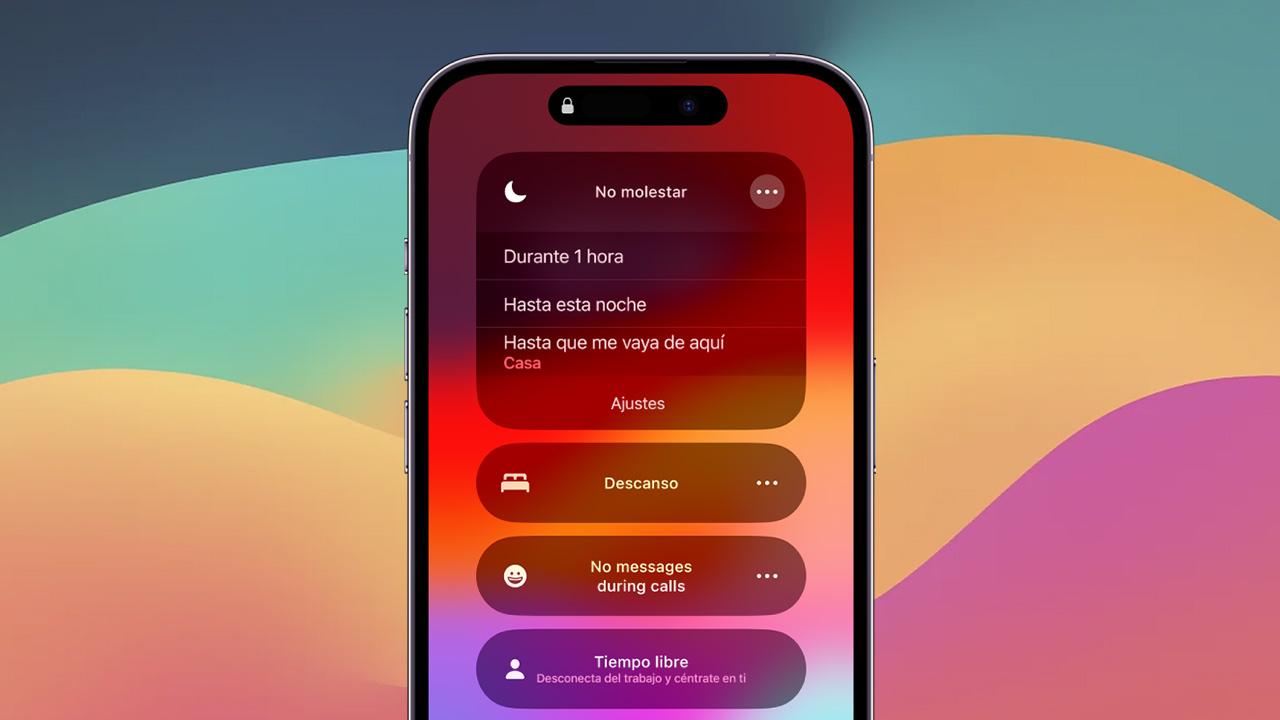
When Focus Mode was introduced, similar to Do Not Disturb but more targeted, I didn't think I'd use it much. However, I can say that on the iPhone 17 Pro Max, it acts almost like a personal assistant, allowing me to adjust notifications according to my personal or work schedule.
Continuous Evolution
One of the things that fascinates me most about iPhones is seeing how, model after model, the company incorporates user feedback. This is clear when reviewing lines like the iPhone 14 and 16, each one improving in details that make a difference. You can find these models and more in the iPhones collection .
Do you have any tips or tricks you'd like to share? I'd love to learn from your experiences and how you use your iPhone every day. Leave a comment and let's have an interesting conversation!
For more related products, you can visit GSMPRO .